
Achievement
↗Create certificates
online.
Choose a template, add your logo and recipient names, then download certificates for courses, events and awards.
1 free certificate · No card required
QR verificationCheck the certificate’s details and status.
✦ Add your logo and colours▤ Import recipient lists✓ Verify issued certificatesM Pay with M-Pesa
Certificate templates
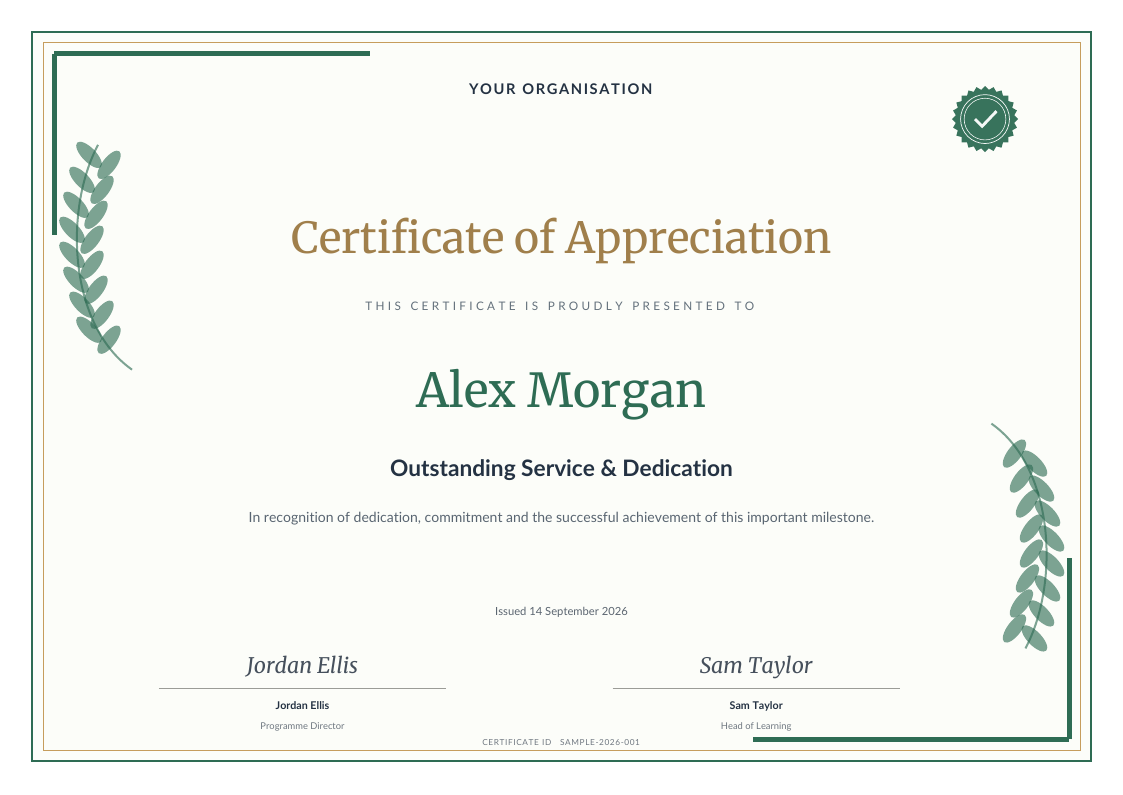
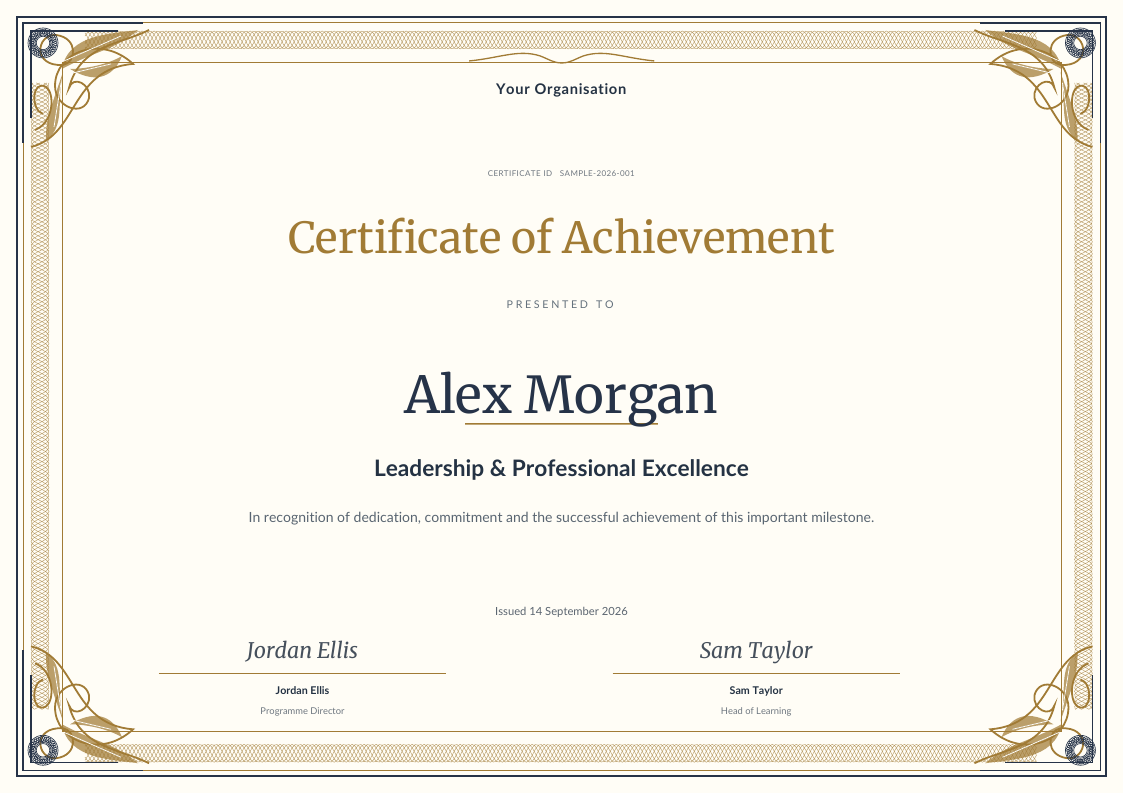
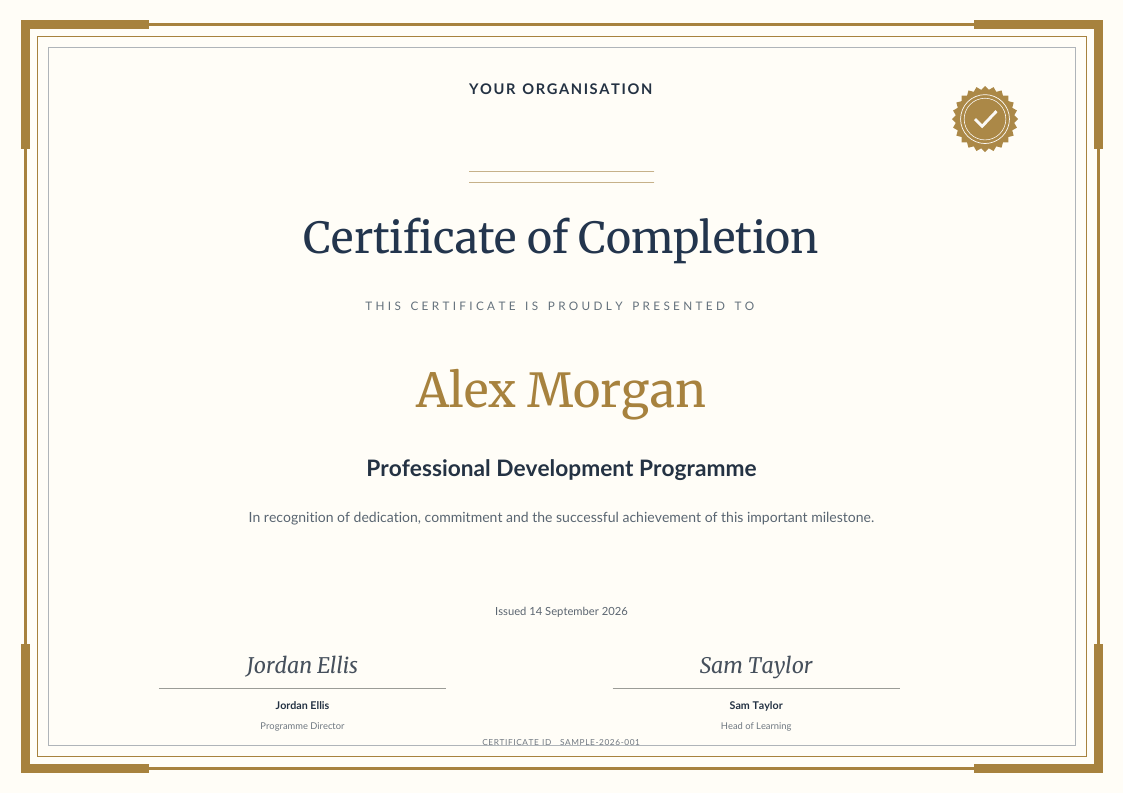
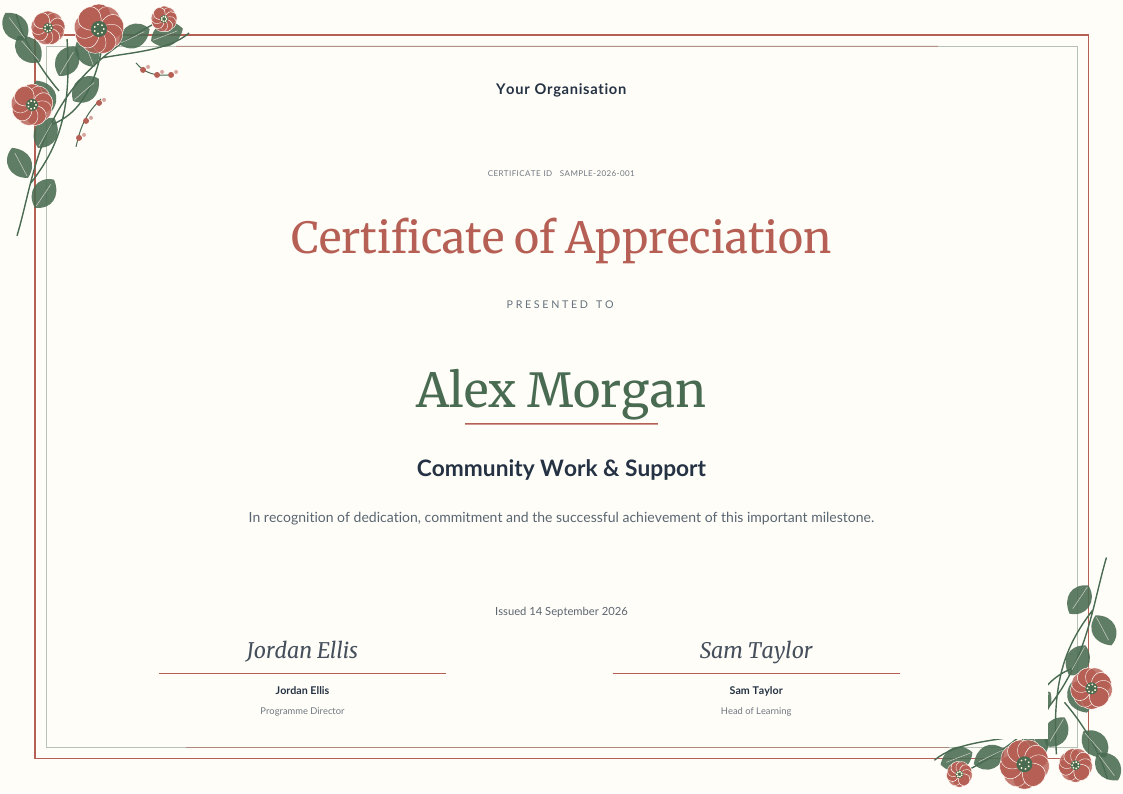
Choose from 32 designs for completion, participation, appreciation and awards.
Browse all templates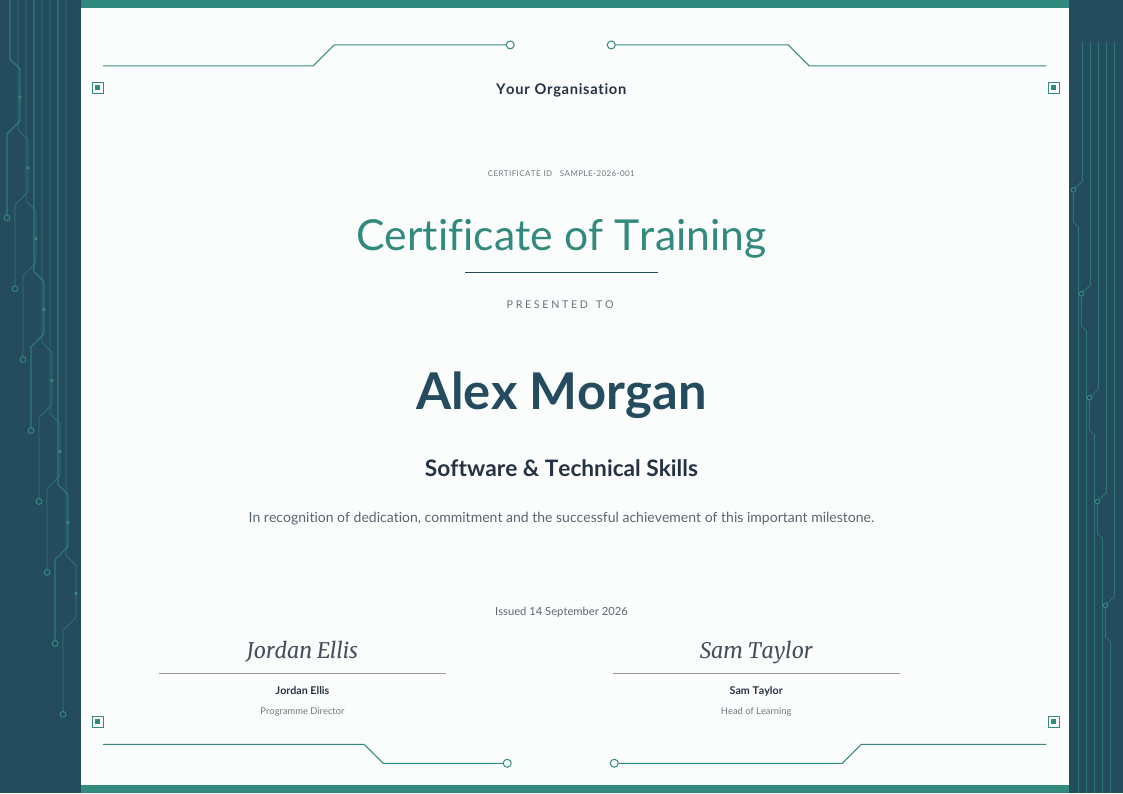
How to create
a certificate
Set up your design once, then issue a certificate for each recipient.
Choose your design
Start with a certificate template. Add your logo, colours, wording and an authorised signature.
Find your templateAdd recipients
Enter one recipient or import a whole list from a CSV. Preview the certificate and check every detail.
See bulk creationIssue and download
Download printable PDFs. Every issued certificate includes its own verification link and QR code.
About verificationCertificates for
courses, events
and awards
Use a project to keep each course, event or award’s design and recipient list together.
View featuresFrequently asked
questions
Need more help?
Contact support
Can I make a certificate for free?
Yes. Your account starts with 1 certificate credit. Verify your email before issuing certificates. You can explore the templates and prepare your certificate before issuing it. You can issue one certificate with one credit or pay for it directly with M-Pesa; downloading that issued certificate again does not use another credit.
Can I create certificates for a whole class or team?
Yes. Create one project, add your certificate wording and import recipients from a CSV spreadsheet. Import up to 250 recipients at a time. Check the names and preview the design before issuing the certificates. Each recipient needs one certificate credit.
How do I pay with M-Pesa?
You can pay for one certificate from its preview or buy a credit pack for several certificates. Enter your Kenyan M-Pesa number and approve the prompt on your phone. A direct payment issues the selected certificate once confirmed; a pack payment adds credits to your account. Repeat downloads of an issued certificate are included. Payments are one-time purchases, with no automatic renewal.
Do certificate credits expire?
No. Purchased certificate credits stay in your account until you use them. The credit packs give you the same templates and certificate features, with different quantities.
How can someone verify a certificate?
An issued certificate has a unique verification link and QR code. Anyone with that link or the certificate number can check the certificate record and its status, and download the PDF while it is valid. Verification confirms what the issuer recorded in Certificates; it does not independently accredit a course or organisation.
Can I add my logo and signature?
Yes. Add your organisation name, upload your logo and signature image, and choose colours to suit your brand. Use images you own or have permission to use.
Can I print the certificates?
Yes. Download the issued certificate as a PDF and print it on A4 paper. Use landscape orientation for landscape templates and check your printer’s preview before printing a batch.
Who makes this tool?
Certificates is an Agilecode product, built and supported in Kenya. Agilecode also makes Invoiced, PDF Tools, CV Builder and Padivo.
Create a certificate
New accounts include 1 free certificate credit.
All 32 templates are included.